
Crayon ISP
A platform that unifies security monitoring and information-security operations.
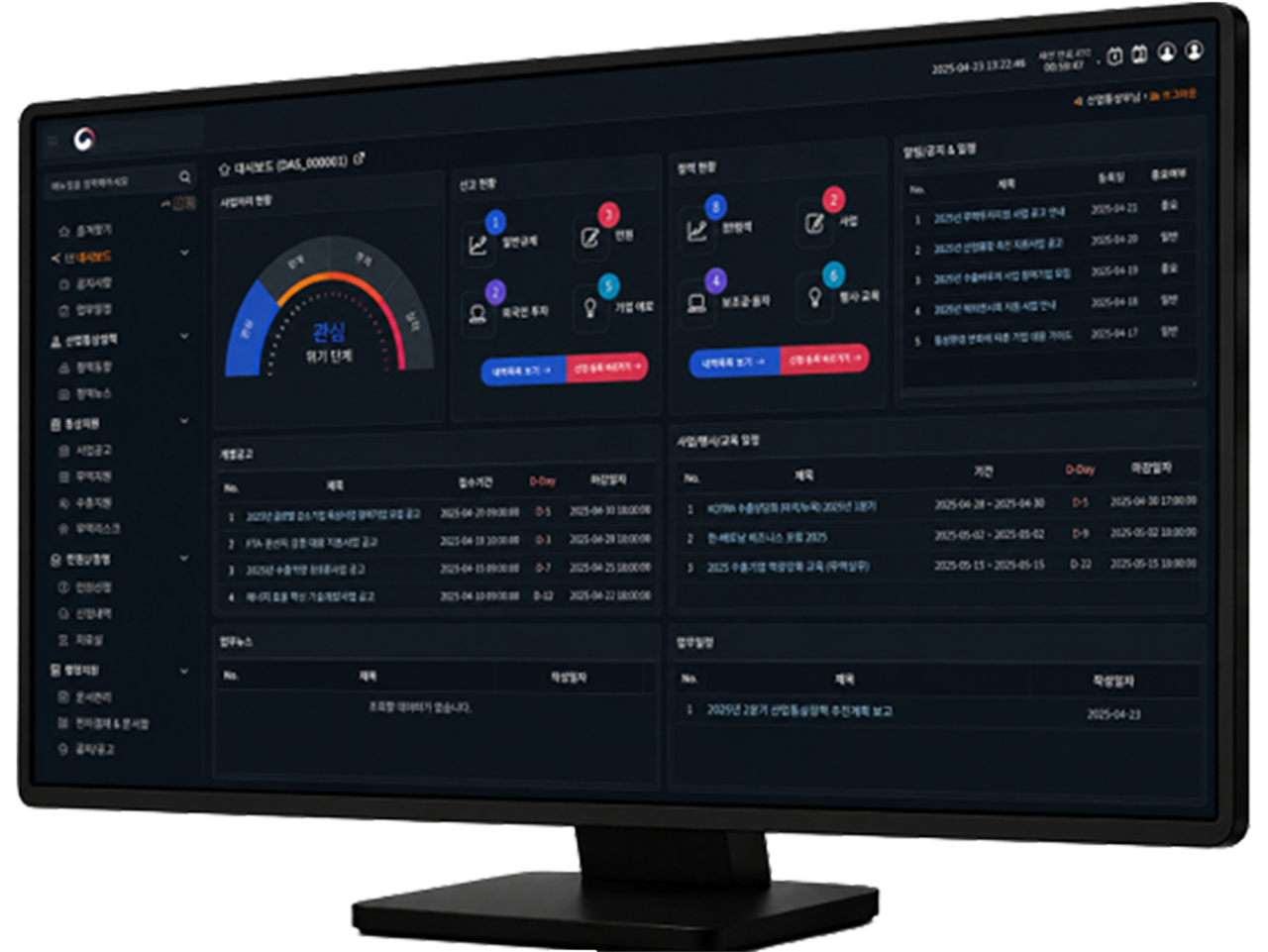
Crayon ISP is a platform that unifies security monitoring and information-security operations.
Security monitoring consolidates security information generated across an organization's network, servers, security appliances, cloud and applications onto a single screen for real-time surveillance and response. Information security supports day-to-day operations by managing security policies, tasks, training, inspections, incident reports and related materials in one system.
Key Features
-
01 Unified Security Monitoring
- Collects events from multiple security appliances and systems in real time to present the overall security posture at a glance
-
02 Threat Detection and Analysis
- Correlates collected logs and analyzes known attack patterns and abnormal behavior to detect malware infection, unauthorized access and attempted data leakage
-
03 Security Alert Management
- Classifies detected events by risk level — urgent, caution, normal — and notifies the responsible personnel promptly
-
04 Incident Response Management
- Systematically manages the entire response process from intake, analysis and assignment through remediation and verification of results
-
05 Security Status Visualization
- Visualizes attack types, occurrence trends, threat regions, target systems and device status as charts, maps and statistics
-
06 Reports and History Management
- Automatically generates daily, weekly and monthly security monitoring reports and retains incident history and response results long term
-
07 Security Policy and Guideline Management
- Provides information-security regulations, work guidelines, security guides, relevant legislation and internal procedures in one place
-
08 Security Notices and Resources
- Promptly notifies employees of the latest security threats, vulnerability information, security advisories and response methods
-
09 Security Training and Completion Management
- Runs regular information-security training, privacy training and simulation exercises, and manages completion status for each individual
-
10 Security Inspection and Self-Assessment
- Provides security checklists by department and user, and supports self-assessment of PC security status, password management and document security
-
11 Security Incident Reporting
- Allows reporting of incidents such as malware infection, suspicious email, account theft and data leakage, and tracks handling progress
-
12 Security Request and Approval
- Manages request and approval workflows for external storage media use, security program exceptions, account privileges, external transfers and remote access
-
13 Information Asset and Vulnerability Management
- Manages information assets such as servers, network equipment, PCs and software, and tracks discovered vulnerabilities and remediation status
-
14 Statistics and Reports
- Provides training completion rates, inspection results, incident status and vulnerability remediation rates as dashboards and reports
Contact

FAX
02-6956-3660
Weekdays 09:00 – 18:00 (KST)